The Hidden Risk of Shared Passwords: Why Convenience Can Compromise You |
The Comfort of ConvenienceMany small business owners feel comfortable sharing passwords internally. It often starts with good intentions. One login for accounting. One for a vendor portal. One for marketing tools. It feels efficient, simple, and practical. After all, everyone on the team is trusted. On the surface, shared credentials seem harmless. They remove friction and make collaboration easier. But convenience in technology often hides risk, and shared passwords are one of the most common vulnerabilities in small business environments. The danger is not always obvious. There is no flashing warning or dramatic system failure. In fact, shared passwords can function without issue for years. That long period without visible consequences reinforces the belief that the practice is safe. Unfortunately, the absence of a known incident does not mean the absence of risk. The Accountability ProblemShared passwords eliminate accountability. When multiple people use the same login, there is no reliable way to determine who accessed what or when. If a file is deleted, a vendor payment is changed, or a suspicious email is sent, the activity cannot be tied to a specific individual. Investigations become guesswork rather than fact-based analysis. This lack of traceability becomes even more problematic when credentials are reused across multiple systems. A single shared password might unlock email, accounting software, cloud storage, and vendor portals. If that password is compromised in one location, attackers often test it elsewhere. Why Shared Credentials Attract AttackersThis is especially true in password spraying attacks, where common or simple passwords are attempted across many accounts. Shared credentials are frequently long-lived, rarely rotated, and sometimes excluded from multifactor authentication, making them particularly attractive targets.
|
Attackers do not need sophisticated exploits if they can log in using valid credentials. When one shared password works across multiple platforms, the potential impact increases significantly. The Business Impact Beyond ITThe technical risk is significant, but the business impact is often greater. A compromised shared email account can be used to redirect vendor payments. An attacker with access to financial software can alter banking details or extract sensitive data. Even if the incident is discovered quickly, internal confusion can follow. Without clear user attribution, it becomes difficult to determine whether the activity was malicious, accidental, or external. That uncertainty can damage trust within a team. Compliance and audit concerns also come into play, as many industries now require accountability in system access. How Temporary Fixes Become Permanent RisksSmall businesses often overlook this risk because shared passwords typically originate as a temporary solution. A new employee needs quick access. A license is limited. A vendor insists on a single login. Over time, the temporary workaround becomes standard practice. As the organization grows, the shared access remains in place, quietly expanding in scope and importance. What once solved a short term problem can evolve into a long-term vulnerability. The Compounding Exposure Over TimeAnother hidden risk develops as employees leave the organization. Former team members may still know credentials, particularly if passwords were never changed. In some cases, those passwords may also be written down, saved in unsecured documents, or stored in browsers across multiple devices. The longer a shared password exists, the more exposure it accumulates. Each additional person who knows it increases the potential attack surface. |
What Modern Access Control Should Look LikeTrust within a team is important, but security is not about mistrust. It is about structure. Modern access control is designed to protect both the organization and its employees. Individual user accounts create accountability. Role-based permissions limit access to what is necessary. Multifactor authentication reduces the likelihood that stolen passwords alone can be used. Password managers allow secure credential sharing when truly required, without exposing the underlying password itself. These practices are not about adding complexity. They are about reducing uncertainty and improving visibility. Resilience Over ConvenienceThe shift away from shared passwords represents a broader mindset change. Instead of prioritizing convenience above all else, organizations begin to prioritize resilience. Shared passwords rarely fail in dramatic fashion. They fail quietly. An unauthorized login here. A small configuration change there. A subtle redirection of communication that goes unnoticed until financial loss or reputational damage occurs. The most dangerous password in any organization is the one everyone knows. Removing shared credentials does not require distrust. It requires maturity in how access is managed.
How to Take ActionBusinesses that move toward individual accounts, structured permissions, and continuous oversight reduce risk significantly. They gain clarity, control, and confidence rooted in evidence rather than assumption. Convenience may feel efficient in the short term, but resilience protects long-term stability. Eliminating shared credentials is not simply an IT improvement. It is a step toward stronger operational security and a more sustainable business foundation. |
Final ThoughtsOver time, security decisions shape the stability and reputation of a business. Small shortcuts may feel insignificant in the moment, especially when they appear to save time or simplify operations. However, when those shortcuts involve access to financial systems, client data, or core communication platforms, their impact can extend far beyond convenience. Reviewing how credentials are managed does not require a complete overhaul overnight, nor does it require distrust within a team. It simply requires intentional structure. By evaluating who has access, how that access is controlled, and how it is monitored, businesses can reduce uncertainty and strengthen accountability. Addressing shared passwords is often one of the simplest yet most meaningful steps toward building a more secure, resilient, and professionally managed technology environment. The strongest organizations are not the ones that assume nothing will happen. They are the ones that design their systems so that if something does happen, the impact is limited and the response is swift. Replacing shared passwords with structured access controls is a simple but meaningful step toward that kind of resilience. Key Take Away to Know for Small BusinessesIn the end, real security is not built on trust alone. It is built on visibility, accountability, and proactive management. Businesses that recognize this distinction position themselves for long-term stability—without relying on the dangerous comfort of “it’s always worked this way.”
 |
 |
“Sharing passwords within a small business may seem convenient and harmless, but it introduces significant hidden risks. Multiple people using the same credentials eliminates accountability, makes investigations difficult, and increases the chances of successful attacks like password spraying. Compromised shared passwords can give attackers access to email, financial systems, and cloud tools, potentially causing financial loss, data exposure, and compliance issues. The solution is to move toward individual accounts, role-based access, multifactor authentication, and secure password management. Doing so improves visibility, strengthens security, and builds long-term business resilience without sacrificing operational efficiency.” |
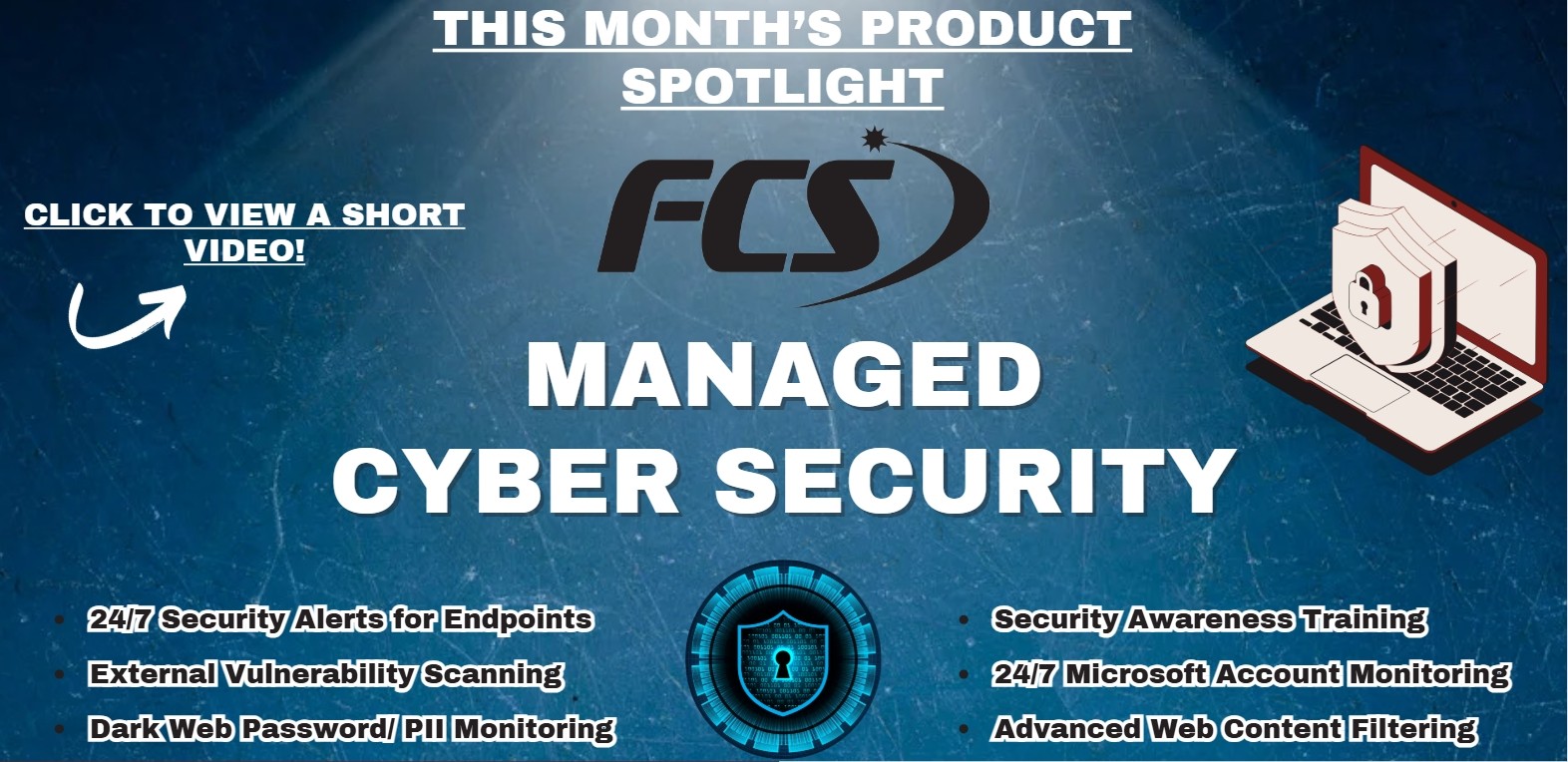 Click Here to View a Short Video!
The Power of Combining Awareness Training with Technical Protections |
|
In today’s threat landscape, businesses face constant cyberattacks designed to exploit both technology and human behavior. While advanced security tools are essential, research consistently shows that technical controls alone are not enough. Employee behavior remains one of the most significant factors in preventing or enabling attacks. That’s why cybersecurity awareness programs are critical—and why their impact is magnified when paired with strong technical protections. Studies demonstrate that organizations that implement both regular security training and layered technical controls experience far fewer successful attacks than those relying on either approach alone. In fact, data from recent industry reports indicates that combining awareness programs with technologies like email filtering, endpoint protection, and multifactor authentication can reduce successful attacks by as much as 70–80%. These statistics highlight that preparation for human error is not theoretical; it produces measurable improvements in organizational security. The reasoning is clear. Security awareness programs educate employees about the tactics attackers use, such as phishing emails, social engineering, and fraudulent requests. Training alone improves recognition of threats, but without technical safeguards, a single mistake can still result in a breach. |
Technical controls act as a safety net, catching malicious messages, unauthorized access attempts, or compromised credentials before they escalate into significant incidents. Together, the human element and technology create a layered defense that is far more resilient than either component alone. Another benefit of combining training with technology is the development of a security-conscious culture. Employees who understand their role in protecting the organization are more likely to report suspicious activity quickly, adhere to best practices, and feel empowered to act when something seems off. Quick reporting and early containment are often the difference between a minor incident and a major disruption. For small and mid-sized businesses, these findings are particularly relevant. Resources may be limited, but investing in both awareness programs and technical protections provides outsized returns in risk reduction. By measuring the effectiveness of training and monitoring outcomes, organizations can continuously improve both employee preparedness and system defenses. Ultimately, cybersecurity is not about eliminating mistakes entirely—it’s about minimizing their impact. Businesses that proactively combine human awareness with robust technical controls not only reduce the likelihood of breaches but also strengthen resilience, protect sensitive data, and ensure long-term operational stability. |
BALANCING AUTOMATION WITH THE HUMAN TOUCH |
|
Automation can transform how small businesses operate by taking over repetitive tasks like email sorting, calendar reminders, and spreadsheet updates. These processes often consume hours each week and automating them reduces errors while freeing employees to focus on higher value work, such as strategy, problem solving, and client interactions. However, not every task should be automated. Activities that require judgment, creativity, or empathy—like customer communication, vendor negotiations, or team coaching— benefit from a human touch. Over automating these areas can feel impersonal and risk harming important relationships that drive the success of a business. The key is balance. Automate predictable, routine tasks while leaving decision-making and interpersonal interactions to people. For example, systems can flag urgent emails, generate reports, or provide reminders, but the follow-up, insights, and interpretation should be handled by staff.
|
This approach allows employees to work more efficiently without sacrificing the personal connections that matter most. Training employees to use automation tools effectively is also important. They need to understand what is automated, when to intervene, and how to leverage technology to enhance their work. When executed thoughtfully, automation empowers employees, increases productivity, and preserves the human touch that sets a business apart. This balance creates a smarter, more resilient operation that supports both efficiency and strong customer relationships.
|

POPULAR WEB BROWSERS IN SMALL BUSINESSES |
|
In today’s workplace, the web browser has quietly become one of the most important business tools employees use. Email, accounting platforms, CRMs, file storage, payroll systems, project management tools, and communication platforms all run inside a browser window. For many small businesses, the browser is effectively the operating system of daily operations. Because of this, understanding which browsers employees use—and how those choices affect productivity and security— matters more than many organizations realize. Google Chrome: The Dominant PlayerGoogle Chrome remains the most widely used browser across both consumer and business environments. Its speed, compatibility, and extensive extension marketplace make it especially appealing to employees. Many cloud-based platforms are optimized first for Chrome, which reinforces its dominance. For small businesses that rely heavily on SaaS tools such as Microsoft 365, Google Workspace, CRM systems, or industry-specific web apps, Chrome often delivers the smoothest experience. Its ability to sync bookmarks, settings, and passwords across devices is also convenient for employees who work on multiple machines. However, Chrome’s popularity also makes it a frequent target for attackers. Malicious browser extensions, credential theft, and phishing pages are common risks. Without proper management, Chrome can become a security gap rather than a productivity asset. Microsoft Edge: The Corporate ContenderMicrosoft Edge has gained significant traction in small businesses, particularly those running Windows-based environments. Built on the Chromium engine (the same foundation as Chrome), Edge offers similar performance and compatibility while integrating more tightly with Windows security controls. For organizations already invested in Microsoft tools, Edge often aligns naturally with existing security policies. It supports centralized management through Microsoft’s administrative controls, making it easier for IT teams to enforce updates, restrict risky extensions, and configure security settings consistently. In many small businesses, Edge is becoming the preferred “default” browser because it blends compatibility with better enterprise visibility
|
Safari: The Apple Environment StandardIn companies where employees use MacBooks or other Apple devices, Safari remains common. Safari is optimized for macOS performance and battery efficiency, which appeals to mobile or hybrid workers. From a security standpoint, Safari includes strong privacy protections and limits certain types of tracking by default. However, its extension ecosystem is more limited compared to Chrome and Edge. While that can reduce risk exposure, it may also limit compatibility with certain business tools. For small businesses that operate in mixed device environments, Safari often exists alongside Chrome or Edge rather than replacing them entirely. Mozilla Firefox: The Privacy-Focused AlternativeAlthough less common in corporate settings, Firefox maintains a loyal following among privacy-conscious users. Its strong anti-tracking features and open-source development model appeal to employees who prioritize transparency. From an IT perspective, Firefox can be securely managed, but it is not typically the primary browser in small business environments. Instead, it often appears as a secondary browser for testing or personal preference. Why Browser Choice Matters for SecurityThe browser is the front line of cybersecurity in a modern small business. Phishing attacks, malicious downloads, credential harvesting, and session hijacking all happen through the browser. Different browsers handle updates, extensions, sandboxing, and security patches in slightly different ways. The most important factor is not necessarily which browser is used—but whether it is properly managed and consistently updated. Outdated browsers are one of the most common vulnerabilities in small organizations. Automatic updates should be enabled wherever possible. The Bigger PictureSmall businesses that treat the browser as a critical business tool—not just a default application—gain better visibility, stronger protection, and fewer surprises. |
WHAT IS SHAREPOINT VS. ONEDRIVE — HOW SHOULD THEY BE USED? |
|
Microsoft’s collaboration tools are powerful, but they can be confusing for small businesses—especially when it comes to understanding the difference between Microsoft SharePoint and Microsoft OneDrive. Both platforms allow file storage, sharing, and cloud-based access, yet they are designed for very different purposes. Using them incorrectly can lead to disorganization, security gaps, and frustration for employees. Understanding how each platform works—and when to use it—helps businesses create a structured, secure, and scalable file management strategy within Microsoft 365. Individual Storage vs. Organizational CollaborationThe simplest way to understand the difference is this: OneDrive is for individual use, while SharePoint is for team and organizational collaboration. OneDrive is tied to a single user account and is designed for personal work files, drafts, and documents that are not yet ready for company-wide access. Employees can store files privately and selectively share them when needed. Think of OneDrive as a professional cloud workspace for works in progress. SharePoint, on the other hand, is built for shared environments. It powers team sites, document libraries, and company-wide intranets. Files stored in SharePoint belong to the organization—not an individual. This makes it the correct platform for department folders, policy documents, shared resources, and long-term business records. Ownership and Access Control
|
One of the most important differences between SharePoint and OneDrive is ownership. Files stored in OneDrive are owned by the individual user. If that employee leaves the company and their account is removed without proper offboarding procedures, access to those files can be disrupted. SharePoint eliminates that risk because files are owned by the organization. Permissions are managed at the site, library, or folder level and are typically tied to security groups rather than individual accounts. This structure supports stronger data governance and long-term continuity. For small businesses focused on compliance and operational stability, storing critical business documents in SharePoint instead of OneDrive significantly reduces risk. Collaboration and VersioningBoth platforms allow real-time collaboration in Word, Excel, and PowerPoint, but SharePoint is built with structured teamwork in mind. Departments can maintain organized document libraries with metadata, version history, and controlled access. OneDrive supports file sharing, but it is generally more informal. Employees often share documents directly with coworkers or external contacts. While this flexibility is useful, relying on OneDrive for shared departmental data can lead to scattered permissions and confusion about where the “official” version of a document lives. SharePoint provides stronger centralized version control, ensuring teams collaborate within a structured environment rather than across disconnected personal folders. |
When to Use OneDriveOneDrive should be used for: Draft documents not ready for team access. Personal notes and working files. Temporary storage. Files that are individually owned but occasionally shared. It functions as a staging area. Once a document becomes part of a department process or long-term resource, it should typically be moved into SharePoint. When to Use SharePointSharePoint should be used for: Department folders such as HR, Accounting, or Operations. Company-wide templates and policies. Project collaboration sites. Long-term document storage. Shared workflows and approval processes. If multiple employees rely on a file for ongoing operations, SharePoint is almost always the better choice. Security and Compliance ConsiderationsSecurity is another major factor when choosing between the two platforms. SharePoint offers more advanced administrative controls, including structured permissions, retention policies, sensitivity labels, and integration with compliance tools. While OneDrive includes strong security protections, it remains user-centric. This increases the likelihood of inconsistent sharing practices. For example, an employee may unintentionally grant external access to sensitive documents without fully understanding the impact. |
From a cybersecurity perspective, SharePoint provides a more controlled environment for sensitive operational data, while OneDrive remains ideal for individual productivity.
Common Mistakes Small Businesses MakeMany small businesses treat OneDrive like a traditional file server replacement. Employees create folders, share them broadly, and build departmental structures inside personal accounts. Over time, this creates problems: Lost files when employees leave. Broken shared links. Inconsistent permission structures. Difficulty auditing access. Another common mistake is avoiding SharePoint because it appears more complex. With proper configuration, SharePoint can mirror a familiar folder structure while delivering better control and scalability. Practical Steps for Small BusinessesTo structure SharePoint and OneDrive effectively, businesses should set clear usage guidelines, organize SharePoint by department, train employees on ownership differences, follow proper offboarding procedures, and review permissions regularly. Working with an IT partner can help ensure everything is configured securely and efficiently from the start. |
We Love ReferralsThe greatest gift anyone can give us is a referral to another business in need of IT services. Referrals help us keep costs down so we can pass the savings to our clients.If your referral ends up becoming a client - we’ll gift them their first month of service at no charge AND we’ll gift you a $500 Amazon Gift Voucher.Simply introduce me via email to stan@fcskc.com and I’ll take it from there. I personally promise we’ll look after your referral's business with a high level of care and attention (just like we do with all our clients).-Stan |
We Want Your FeedbackHere at Ferguson Computer Services, we value your feedback greatly and would appreciate if you took time from your busy schedule to leave us a review. These reviews let us know what we are doing well and what we might be able to improve on in the future.
|
Technology Trivia TimeTechnology Trivia Question of the Month! Send the correct answer to winner@fcskc.com to be entered to win a $50 gift card to Amazon.Here is February's question of the month:What is a password spraying attack? |

|
|
