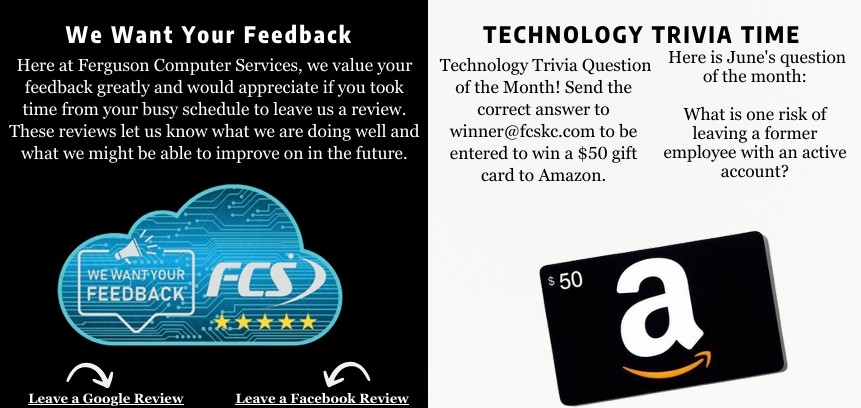
THE EMPLOYEE HAS LEFT... BUT DID THEIR ACCESS? |
| The Employee Has Left...But Did Their Access?
When an employee leaves a business, there is usually a checklist of tasks to complete. Company equipment is returned, payroll is updated, and managers begin looking for a replacement. Unfortunately, one of the most important tasks is often overlooked: removing access to company systems. For many small businesses, user accounts remain active long after an employee has departed. Sometimes this happens because the business plans to reuse the account. Other times it simply gets forgotten during a busy transition. While it may seem harmless, inactive accounts can become one of the easiest ways for attackers to gain unauthorized access to a business. Just like locking the doors after someone leaves your office, disabling access to your technology should be a standard part of every offboarding process. Why Former Employee Accounts Matter Today's employees often have access to much more than just their work email. Depending on their role, they may have accounts for Microsoft 365, Google Workspace, accounting software, CRM platforms, cloud storage, password managers, remote access tools, vendor portals, and countless other business applications. If even one of those accounts remains active after an employee leaves, it creates an unnecessary security risk. |
Former employees typically have no intention of causing problems, but unused accounts are attractive targets for cybercriminals. If login credentials have ever been exposed in a data breach or reused across multiple websites, attackers may eventually discover them. Without proper monitoring, an inactive account can remain unnoticed for months while still providing access to valuable business information. The Challenges Small Businesses Face Most small businesses may not feel they are large enough to have to worry about the effects of leaving employee access open even after they have left. Instead, account management often becomes overlooked. During a busy employee transition, it is easy for one or two accounts to be left active due to no real process being in place. The problem becomes even larger as businesses adopt more cloud-based software. A single employee may have access to ten or more different systems, each requiring separate administrative action to disable. Without a documented offboarding process, businesses can quickly lose track of who still has access and what permissions remain active. Over time, these forgotten accounts begin to accumulate, creating unnecessary security exposure throughout the organization. More Than Just Email Many business owners assume that disabling an employee's email account is enough. In reality, email is only one piece of the puzzle. Employees often have access to shared files, customer databases, financial records, internal documentation, collaboration platforms, remote desktop software, and cloud applications. |
Even access to a seemingly minor system can provide attackers with valuable information about your business.
Former accounts may also remain connected to mobile devices, web browsers, or third-party applications that continue syncing data long after employment has ended. Proper offboarding means reviewing every system the employee accessed— not just their email account. Building a Better Offboarding Process The good news is that reducing this risk does not require expensive technology. It starts with having a consistent process every time an employee leaves the organization. Businesses should maintain an inventory of critical systems, disable accounts promptly, remove unnecessary permissions, recover company-owned devices, and confirm that shared passwords have been changed whenever appropriate. Regular account reviews are equally important. Even businesses with excellent offboarding procedures should periodically review active user accounts to ensure that only current employees retain access. These routine audits often uncover forgotten accounts that have remained active for months or even years. A few minutes of review today can prevent a much larger security incident tomorrow. Technology Should Support Security Modern identity management tools can make account management significantly easier. Features like single sign-on, multi-factor authentication, centralized user management, and automated account provisioning help businesses maintain better visibility into who has access to company resources. |
When employee accounts are managed centrally, disabling one user can automatically remove access across multiple business applications at the same time.
This not only improves security but also simplifies the entire offboarding process for growing organizations. As businesses continue adopting more cloud services, centralized identity management becomes increasingly valuable for maintaining both security and operational efficiency. Not Sure If Former Employees Still Have Access? Many businesses are surprised by how many inactive accounts remain in their environment after several years of employee turnover. We can help review your Microsoft 365, Google Workspace, and other business systems to identify unused accounts, remove unnecessary access, and ensure your offboarding process helps protect your business from unnecessary risk. Any employee offboarding we can handle 100% of the account removal for you to ensure all accounts are properly removed and access is terminated. Properly offboarding old user accounts is just a small step that can have large positive impacts. |
 |
“When an employee leaves your business, don't let their accounts stay behind. Forgotten user accounts can provide an easy entry point for cybercriminals and create unnecessary security risks. A consistent offboarding process—including disabling accounts, removing permissions, reviewing connected devices, and updating shared passwords—helps protect sensitive business data. Regular account audits and centralized identity management can further strengthen security while making employee transitions much easier to manage.” |
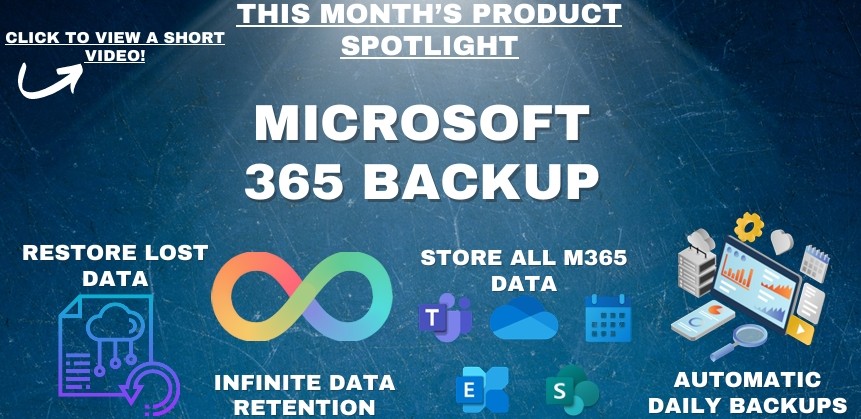 Click Here to View a Short Video!
WHY EVERY BUSINESS SHOULD HAVE A PASSWORD MANAGER |
|
Passwords remain one of the first lines of defense against cyber threats, yet many businesses still rely on employees to remember dozens of unique logins. As a result, passwords are often reused, written on sticky notes, or saved in unsecured documents, creating unnecessary security risks.
A business password manager helps eliminate these problems by securely storing login credentials in an encrypted vault. Employees only need to remember one master password while the password manager generates and stores strong, unique passwords for every account.
At Ferguson Computer Services, we recommend and deploy Keeper Password Manager because it combines enterprise-grade security with an easy-to-use interface. Keeper allows businesses to securely store passwords, generate strong credentials, enable multi factor authentication, and safely share login information with authorized employees without exposing passwords through email or chat.
|
Password managers also simplify employee onboarding and offboarding. Administrators can quickly grant access to new team members or revoke access when someone leaves the organization, helping ensure that former employees no longer have access to sensitive business systems. Beyond improving security, a password manager also boosts productivity.
Employees spend less time resetting forgotten passwords or searching for login information and more time focusing on their work. As cyber threats continue to target stolen credentials, implementing a password manager is one of the simplest and most effective ways to strengthen your organization's overall security. Interested in Getting Started with Keeper? We can help your business implement Keeper Password Manager, migrate existing passwords, and train your team on best practices so your organization stays secure without sacrificing productivity. |
WHY EVERY BUSINESS SHOULD TEST THEIR BACKUPS |
|
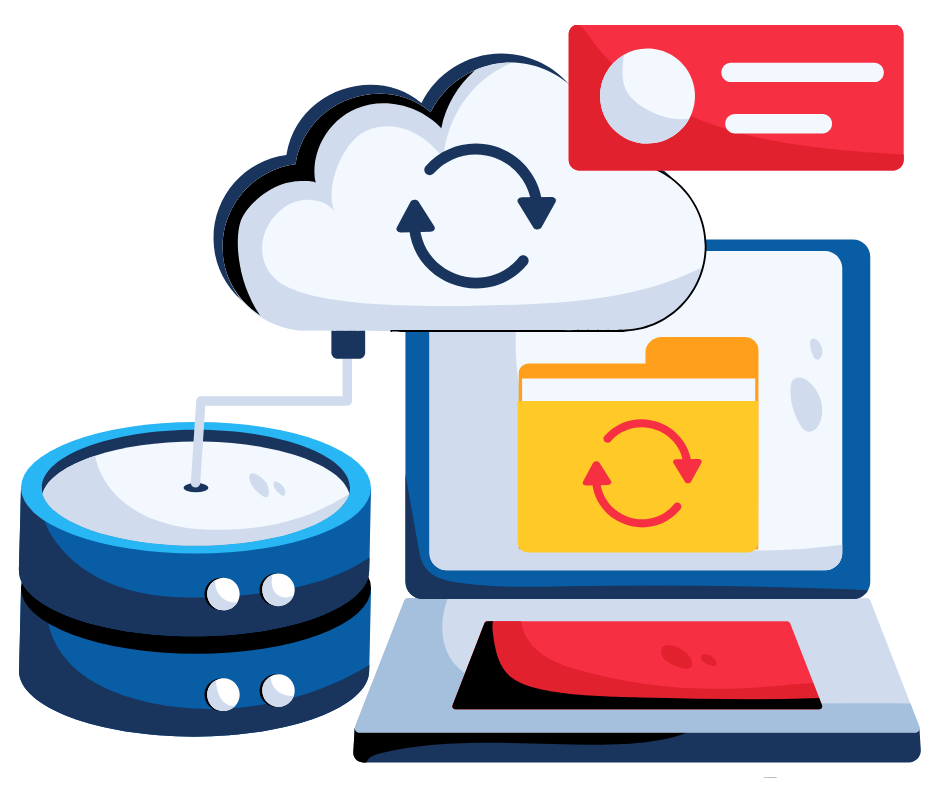
Most businesses understand the importance of backing up their data, but far fewer take the time to verify those backups actually work. Unfortunately, many organizations only discover a backup problem after data has already been lost. Whether it's caused by hardware failure, ransomware, accidental deletion, or a natural disaster, recovering critical information depends on having a backup that can be successfully restored. Backups Are Only as Good as Their Recovery Regular backup testing confirms that important files, servers, and business applications can be restored quickly when needed. It also helps identify failed backup jobs, corrupted files, or configuration issues before they become a major problem.
|
A successful backup strategy includes both routine monitoring and periodic recovery testing to ensure everything is functioning as expected.
The best backup is the one you never have to use—but if the unexpected happens, knowing your data can be restored provides confidence, minimizes downtime, and helps keep your business running. We can schedule quarterly restoration backup testing so you know that your data is easily recoverable and secure.
|
YOUR WEB BROWSER COULD BE YOUR BIGGEST SECURITY RISK |
| For most employees, the web browser is the application they use more than any other throughout the workday. Whether checking email, accessing cloud applications, researching information, or collaborating with coworkers, nearly every business task begins inside a browser.
Because browsers have become such an essential part of modern work, they are also one of the primary targets for cybercriminals. Many business owners assume their antivirus software alone is enough to keep employees safe online. While antivirus plays an important role, it cannot stop every web-based threat. Malicious websites, fake login pages, harmful browser extensions, and compromised downloads can still place sensitive business information at risk. The good news is that improving browser security often requires only a few simple changes that significantly reduce exposure. The Reality of Browser-Based Threats Today's cyberattacks rarely rely on obvious viruses alone. Instead, attackers frequently target employees through the websites they visit and the browsers they use every day. A single click on a fraudulent login page can expose Microsoft 365 credentials. An unapproved browser extension may quietly collect browsing activity or capture sensitive information. Even legitimate websites can become compromised and unknowingly distribute malicious code. Employees often have dozens of browser tabs open simultaneously while accessing email, financial software, customer records, and cloud storage. Because browsers connect so many business systems together, compromising a browser session can provide attackers with access to valuable company data. Without proper security controls, the browser can become one of the easiest entry points into an organization's environment. The Business Impact Beyond Security Browser security affects much more than cybersecurity. Unauthorized extensions, excessive cached data, and outdated browser versions can reduce performance, create compatibility issues, and increase support requests. Employees may experience slower browsing, application errors, or inconsistent behavior across different devices. |
Businesses also face compliance concerns when employees install unapproved browser add-ons or store sensitive information in unsecured browser tools. Passwords, payment information, and customer data should never rely solely on browser storage when more secure alternatives are available.
By standardizing browser settings and limiting unnecessary extensions, organizations create a more consistent, secure, and reliable experience for employees. What Better Browser Security Looks Like Protecting your business starts with treating the web browser as a critical business application rather than just a way to access the internet. Businesses should regularly review:
Keeping browsers updated ensures the latest security patches are installed, while limiting extensions reduces unnecessary risk. Businesses should also encourage employees to use a dedicated password manager instead of storing credentials directly within the browser. Combining secure browser settings with multifactor authentication, endpoint protection, and employee security awareness training creates multiple layers of protection against today's web-based threats. Not Sure If Your Browsers Are Properly Secured? Your browser is often the gateway to your email, cloud applications, financial systems, and business data. Making sure it is properly configured is an important part of protecting your organization. We can help review your browser security settings, remove unnecessary extensions, implement password management solutions, and ensure your employees are browsing safely. Small improvements today can significantly reduce security risks while creating a faster, more consistent experience across your entire business. |
THE HIDDEN RISKS OF SHADOW IT |
| For many small businesses, employees are constantly looking for ways to work more efficiently. When they discover a new file sharing platform, note-taking application, AI tool, messaging app, or project management system, it may seem like an easy way to improve productivity.
In many cases, these tools are adopted with good intentions. Employees simply want to complete tasks faster, collaborate more effectively, or solve a problem without waiting for formal approval. However, when software is introduced without the knowledge or oversight of the business, it creates what is commonly known as "Shadow IT." Shadow IT refers to any technology, application, or cloud service that employees use without being approved or managed by the organization. While these tools may appear harmless, they often introduce security risks, compliance concerns, and operational challenges that quietly grow over time. As businesses continue adopting cloud based services and remote work becomes more common, managing Shadow IT has become an important part of maintaining a secure and organized technology environment. The Reality of Unmanaged Technology Today's employees have access to thousands of business applications with only a few clicks. any cloud services offer free versions, quick sign-up processes, and easy integration with existing business accounts. |
Once a vulnerability becomes publicly known, businesses that fail to install updates may become easy targets. This is especially dangerous for small businesses because outdated devices often remain connected to email systems, cloud platforms, financial software, and sensitive customer information. A single unpatched system can sometimes create an entry point that impacts an entire network. Operating systems, web browsers, firewalls, business applications, and even printers regularly receive security updates designed to close vulnerabilities and improve protection. Without these updates, businesses may unknowingly leave systems exposed long after security flaws have already been discovered. The Business Impact Beyond Security Software updates do more than improve cybersecurity. They also help maintain overall performance and reliability. Outdated software can lead to slow systems, application crashes, compatibility problems, and unstable performance. Employees may experience issues opening files, connecting to cloud services, joining meetings, or accessing business applications efficiently. Over time, these small frustrations can reduce productivity and create unnecessary downtime. Compatibility is another growing concern. Modern software platforms frequently evolve, and older systems may eventually lose support for newer tools and integrations. Businesses that fall too far behind on updates may discover that critical applications no longer function properly or become increasingly difficult to maintain. |
How Update Problems Develop Over Time
Most update-related issues develop gradually rather than all at once. An employee postpones a restart because they are busy. A workstation misses several update cycles. Older software versions remain in use because “everything still works.” Temporary delays slowly become long-term neglect. Over time, systems throughout the organization begin operating at different patch levels with inconsistent security protections. This creates an environment where vulnerabilities become harder to track and manage. Many businesses also struggle with updates because they lack centralized visibility into which devices are current and which systems may be falling behind. Without proper oversight, outdated systems can remain unnoticed for months or even years. What Proper Update Management Should Look Like Effective update management requires consistency, planning, and visibility. Businesses should ensure that operating systems, business applications, antivirus platforms, firewalls, and firmware are all reviewed and updated regularly. Automatic updates can help simplify this process, but they should still be monitored to ensure updates are installing properly and not creating unexpected issues. |
Businesses should also:
The goal is not just to install updates—it is to maintain a stable, secure, and reliable technology environment that supports the business long-term. Planning for Long-Term Technology Health As technology continues evolving, maintaining updated systems becomes increasingly important for both security and operational efficiency. Businesses that stay current with updates are often better positioned to adopt new technologies, maintain compatibility with modern applications, and reduce unexpected downtime. In contrast, businesses that consistently delay updates may eventually face larger problems that require costly emergency upgrades, system replacements, or recovery efforts. |
We Love ReferralsThe greatest gift anyone can give us is a referral to another business in need of IT services. Referrals help us keep costs down so we can pass the savings to our clients.If your referral ends up becoming a client - we’ll gift them their first month of service at no charge AND we’ll gift you a $500 Amazon Gift Voucher.Simply introduce me via email to stan@fcskc.com and I’ll take it from there. I personally promise we’ll look after your referral's business with a high level of care and attention (just like we do with all our clients).-Stan |